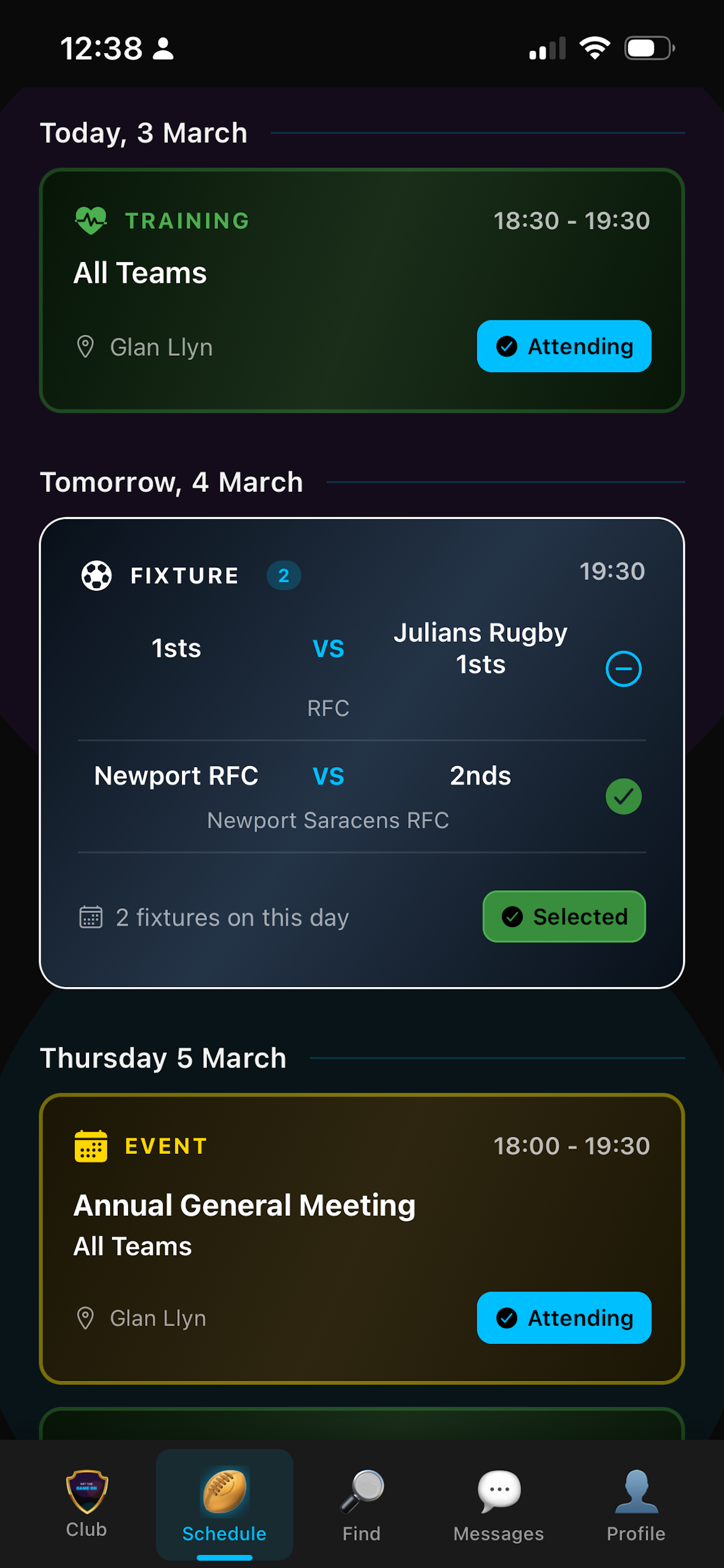
Schedule
Your schedule and filters
Your schedule shows everything at the club—fixtures, training and events—in a list view. Join a section (e.g. Seniors) or a team (e.g. 1sts) and the "Yours" view focuses on that part of the club. You can also filter by team so you only see what matters to you.
On rugby and football match day, fixtures that are being scored live show a LIVE score on Schedule—tap through for the breakdown. How live scoring works.
Mark available or attending
One tap to mark yourself available for a fixture or attending for training and events. If you have child or guest accounts, you choose who you're marking. Your availability is visible to managers when they pick the team, and attendance is tracked over time. Multiple fixtures on the same day? Say available for one or for all in one tap—including other same-day fixtures in a section you're in.
Directions and weather
Fixtures show their location. Tap for directions and your phone's maps app opens with the destination set. You'll also see current and forecast weather for the ground so you know what to expect on the day.
Same-day and last-minute updates
Plans change. You can update whether you're available or attending right up to the last minute—one tap in the schedule. Managers see the update when they're picking the team, so they can fill gaps quickly after late drop-outs.
Who's attending
Before a fixture or event you can see who's available or attending and who isn't. Managers use this view when picking the team and building the team sheet. No more guessing who's turning up.
Apply and get picked
Once you've set your availability, managers select the team. When they post the team you get a notification. In the schedule and fixture details you'll see a green "selected" and you can open the team sheet to see the full line-up.
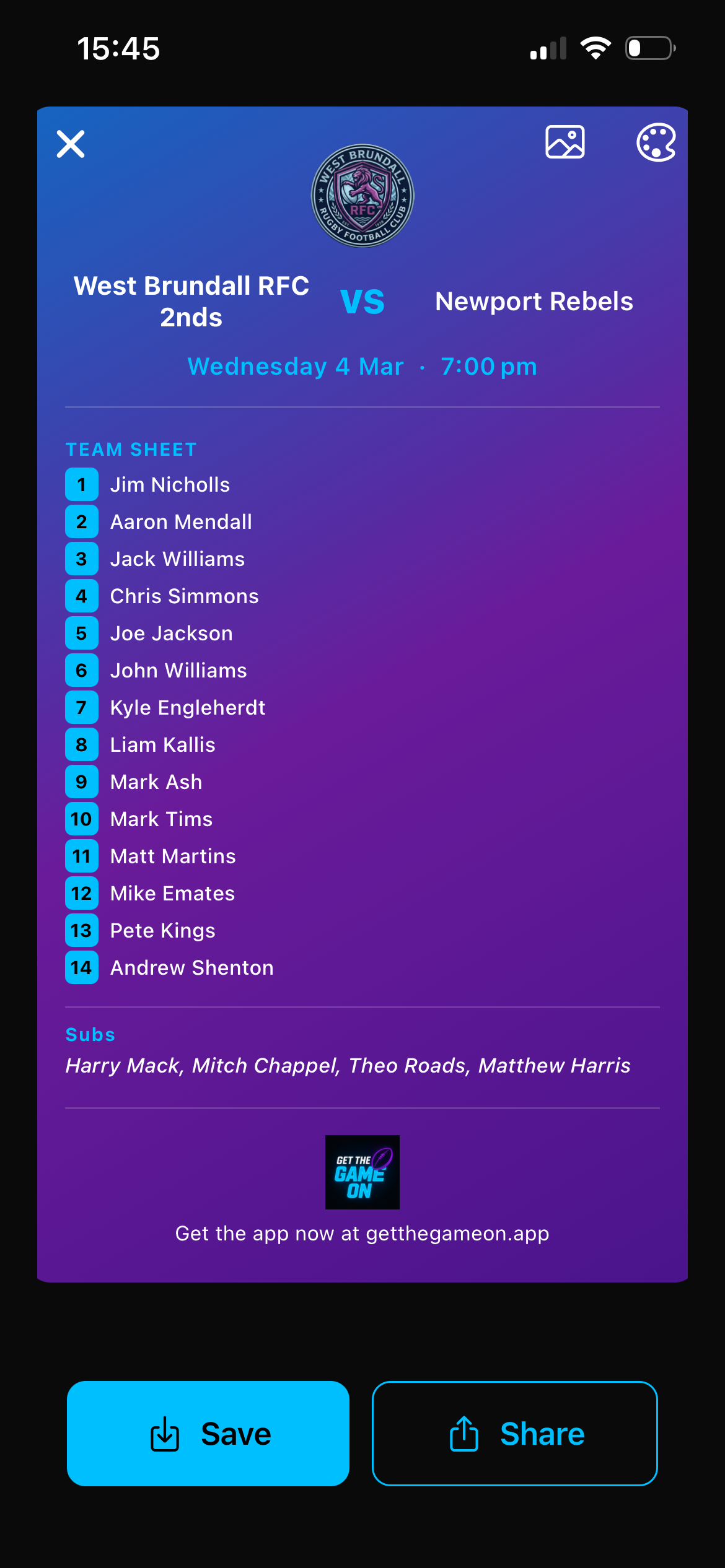
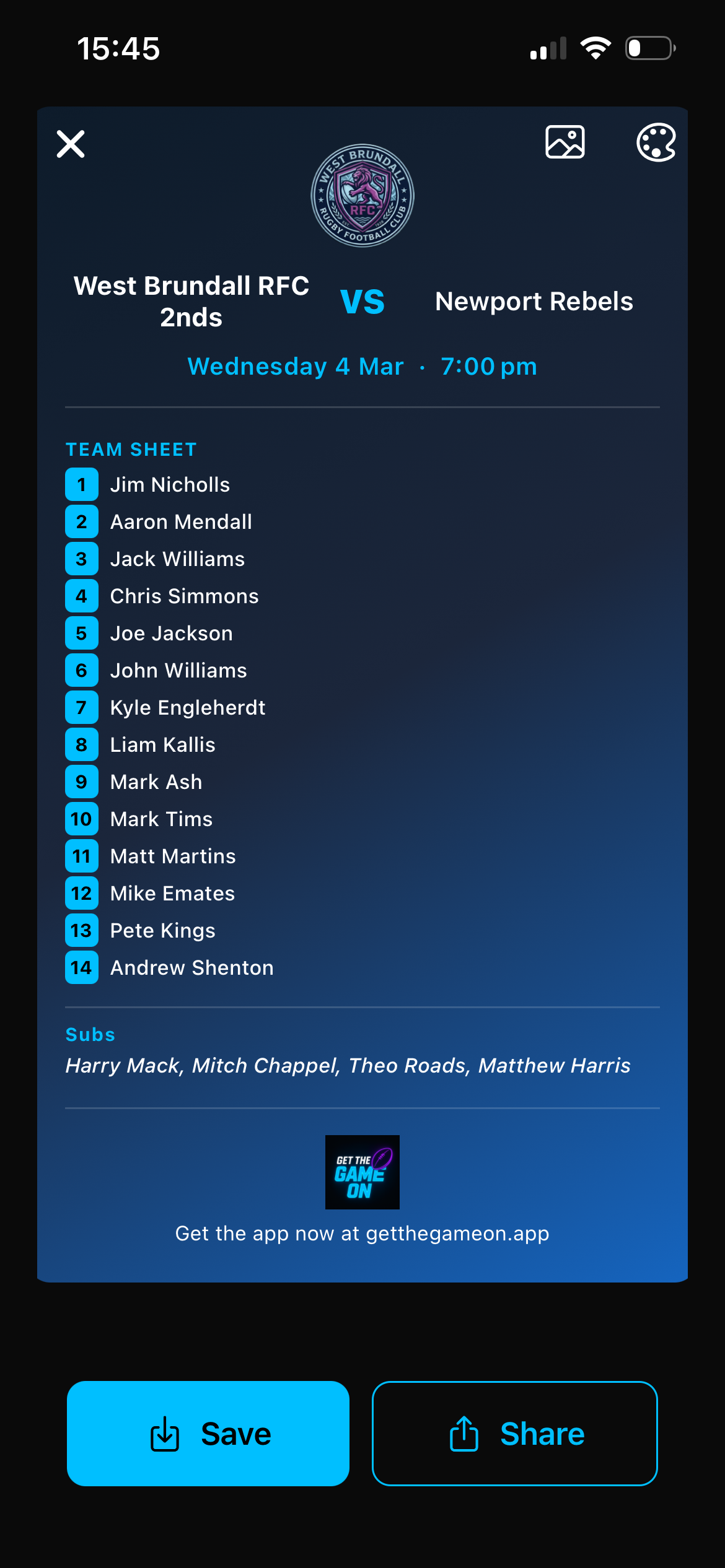
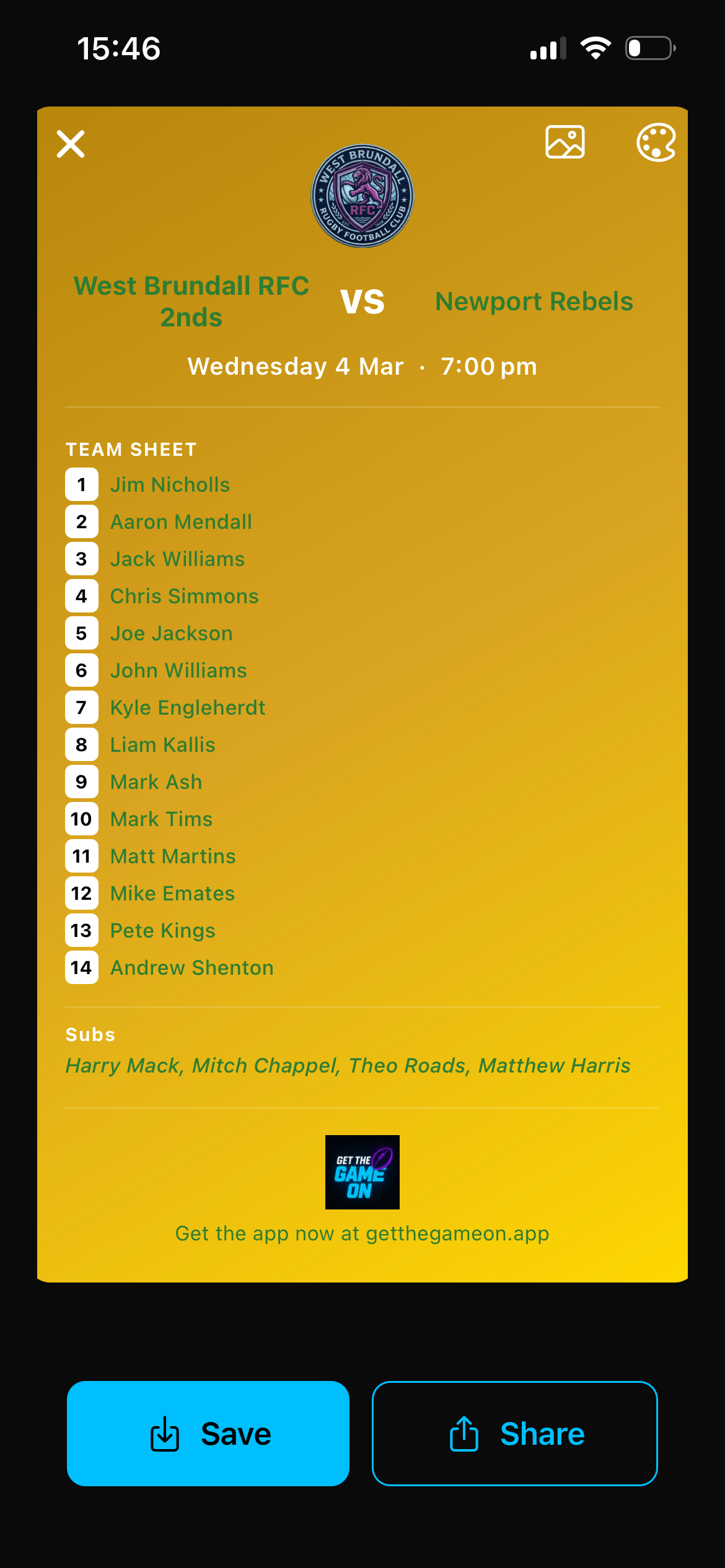
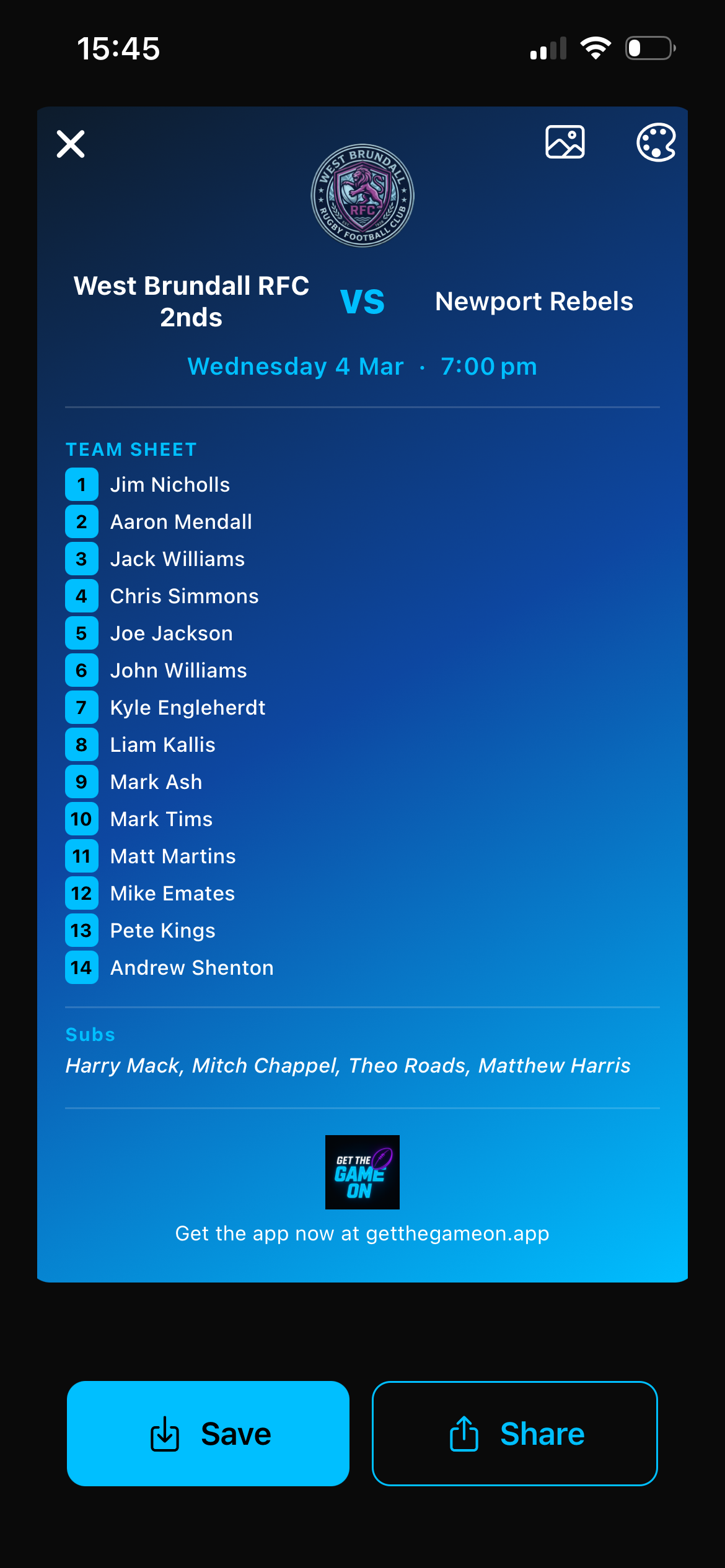
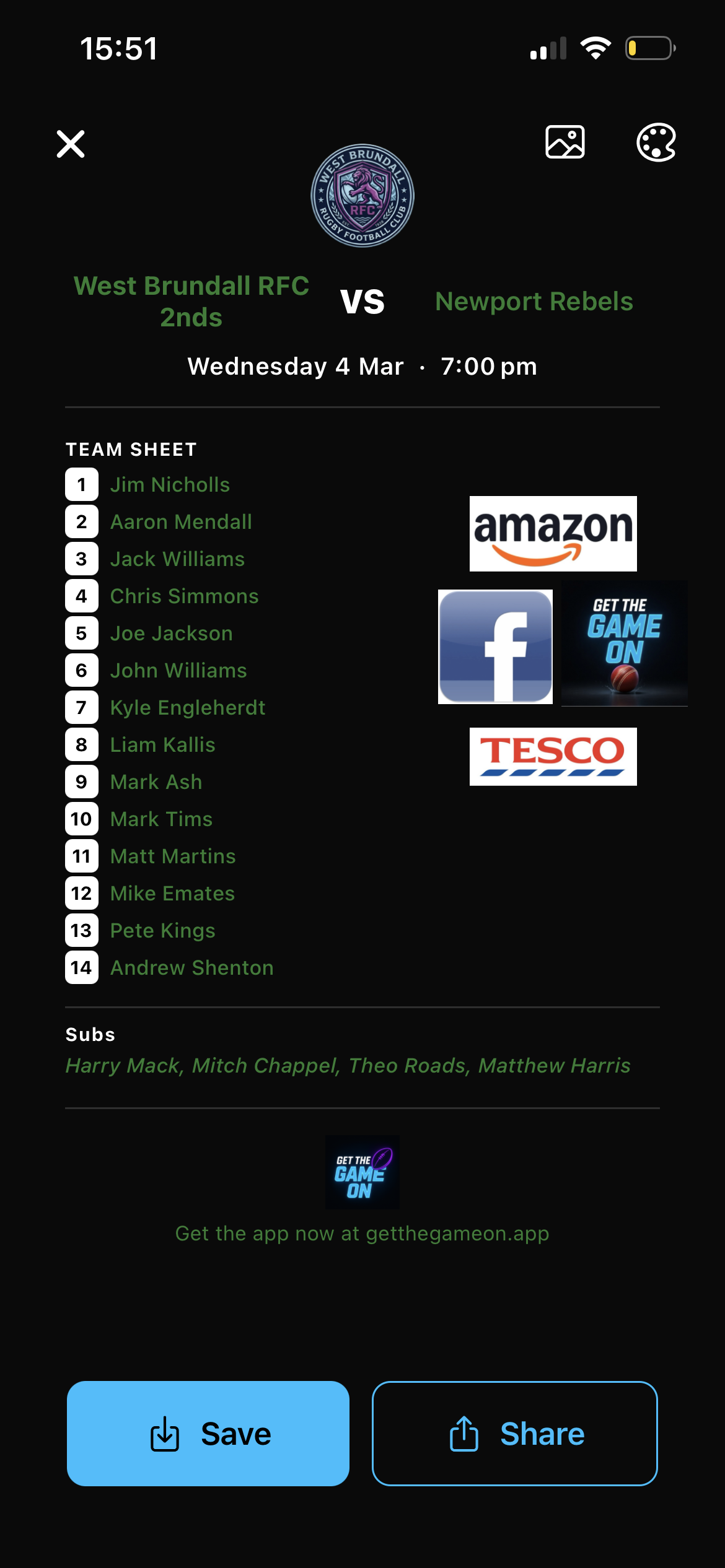
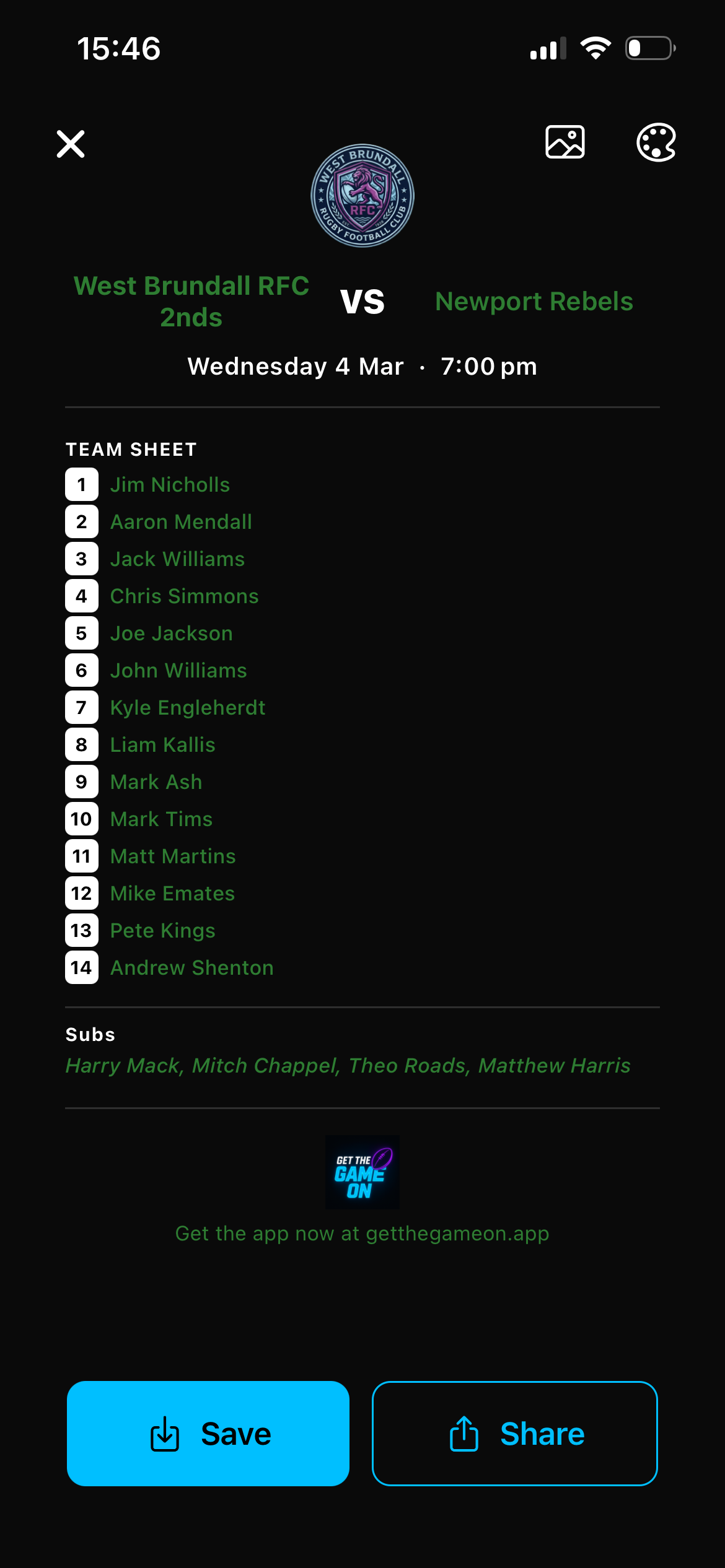
Team Sheet