Schedule
Creating and managing your schedule
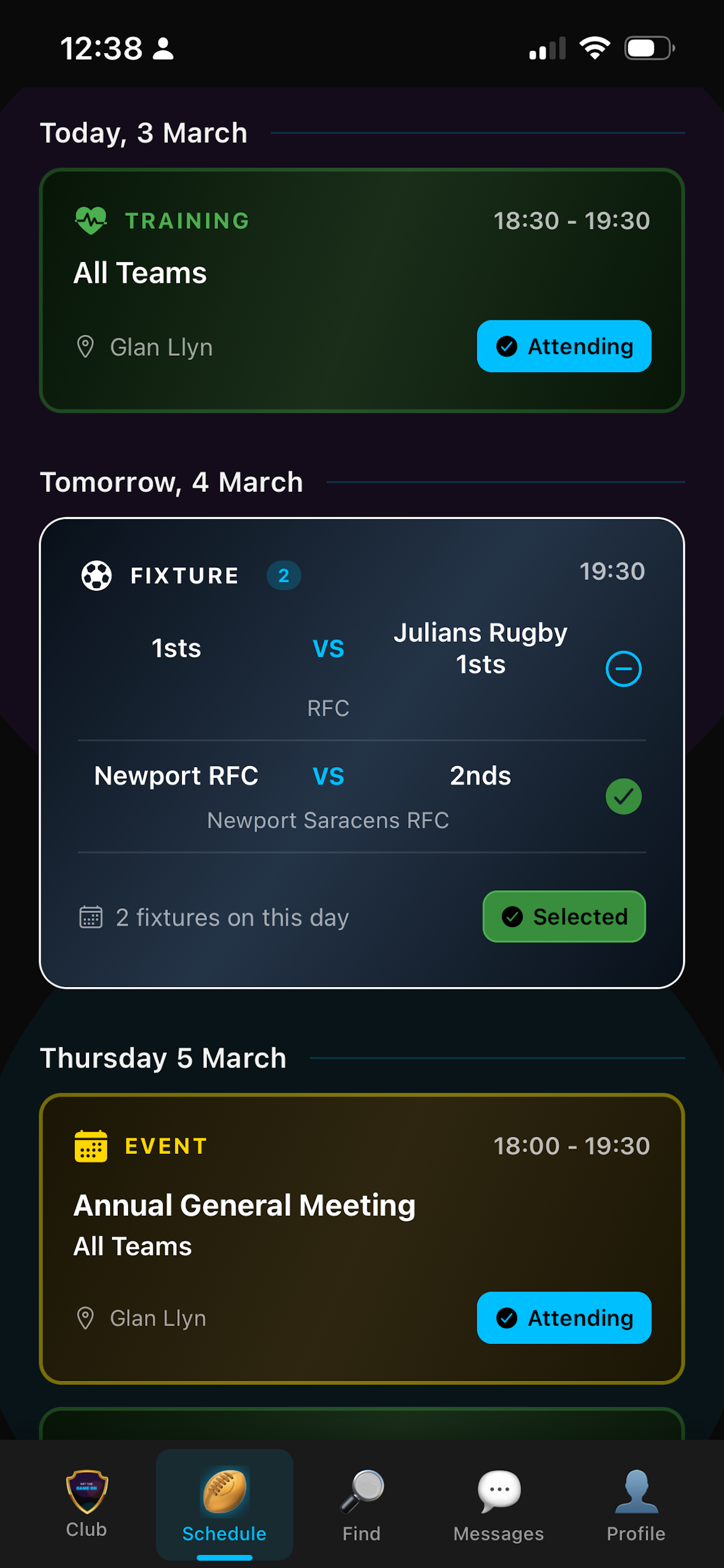
Add fixtures, training sessions and events from the app with date, time, location and team(s). Create a single fixture, bulk fixtures at the start of the season, or a tournament (multiple games on one day at one venue). Edit or cancel anytime—everyone sees the update. Everything appears in a single calendar (Schedule) so your club stays organised and you avoid double bookings.
Set up recurring training or recurring events by days of the week with an optional end date—ideal for Tuesday/Thursday sessions or weekly socials without re-entering each one. Scope a session or event to the whole club, one section (e.g. Seniors) or specific teams.
Each fixture can have a venue, so players can get directions and see current and forecast weather for match day. Link a match fee or training fee to the right session so payment is in context when players open it.
Availability: one tap for players
Players mark themselves available for fixtures or attending for training and events in one tap in the schedule. If they have child or guest accounts, they choose who they're marking. Multiple fixtures on the same day? They can say available for one or for all in a single tap—and when teams share a section they're in, availability can fan out across those same-day fixtures.
As a manager you see who's available when you're picking the team. Availability is tracked over time so you can see patterns and nudge people who haven't responded—remind the squad, the wider section, or both.
Team selection and team sheets
When it's time to pick the team, you see everyone who's available (and any applications from players who found the fixture in the Find section). Select your side, then generate a team sheet. You can customise it and add your own sponsors' images before downloading—ready to share on socials or print. Team sheets show positions so everyone knows the line-up.
Once you post the team, selected players get a notification and see a green "selected" in their schedule. They can open the team sheet from the fixture. Captains are visible so players know who to contact.
Link a match fee to the fixture and optionally turn on auto payment requests—the day after the match, selected players can be sent a fee request automatically so treasurers don't have to chase.
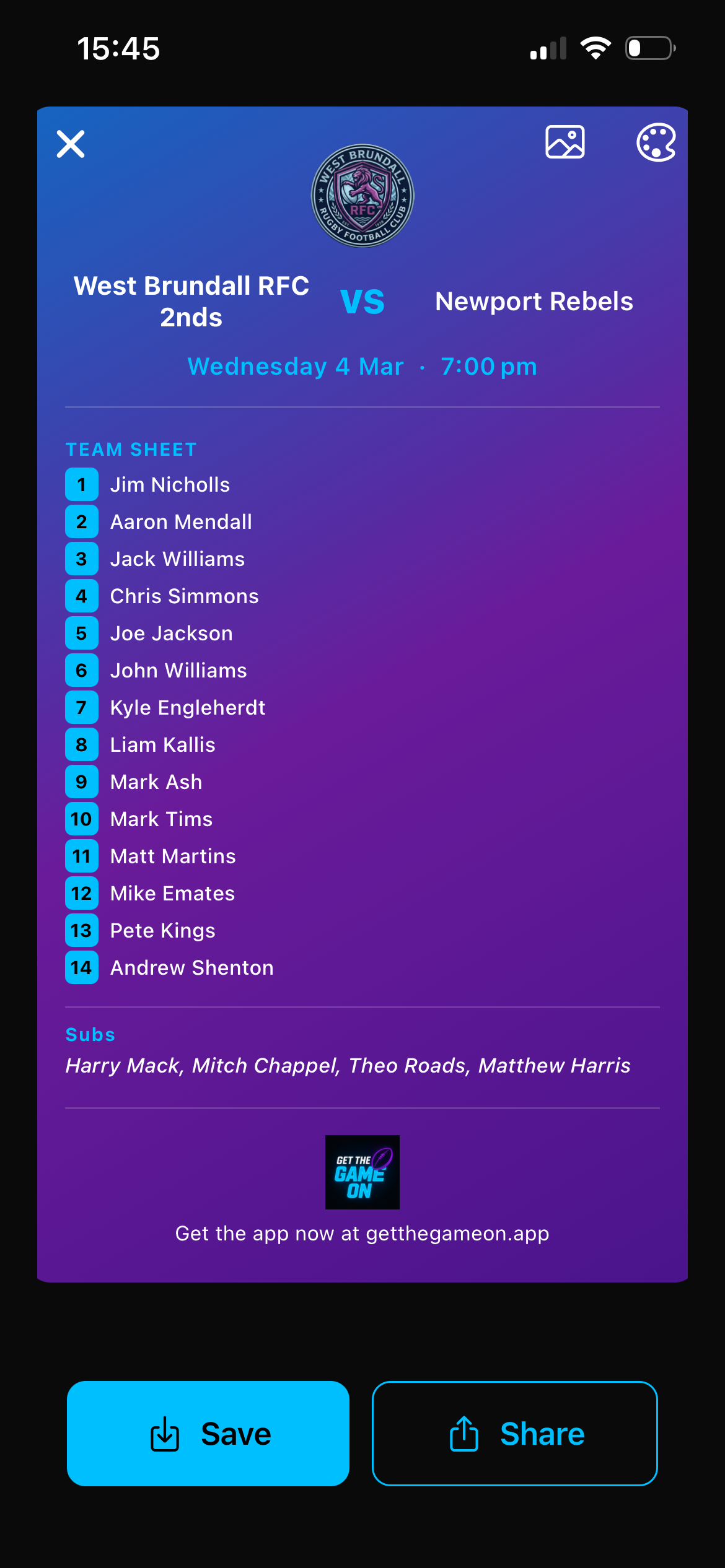
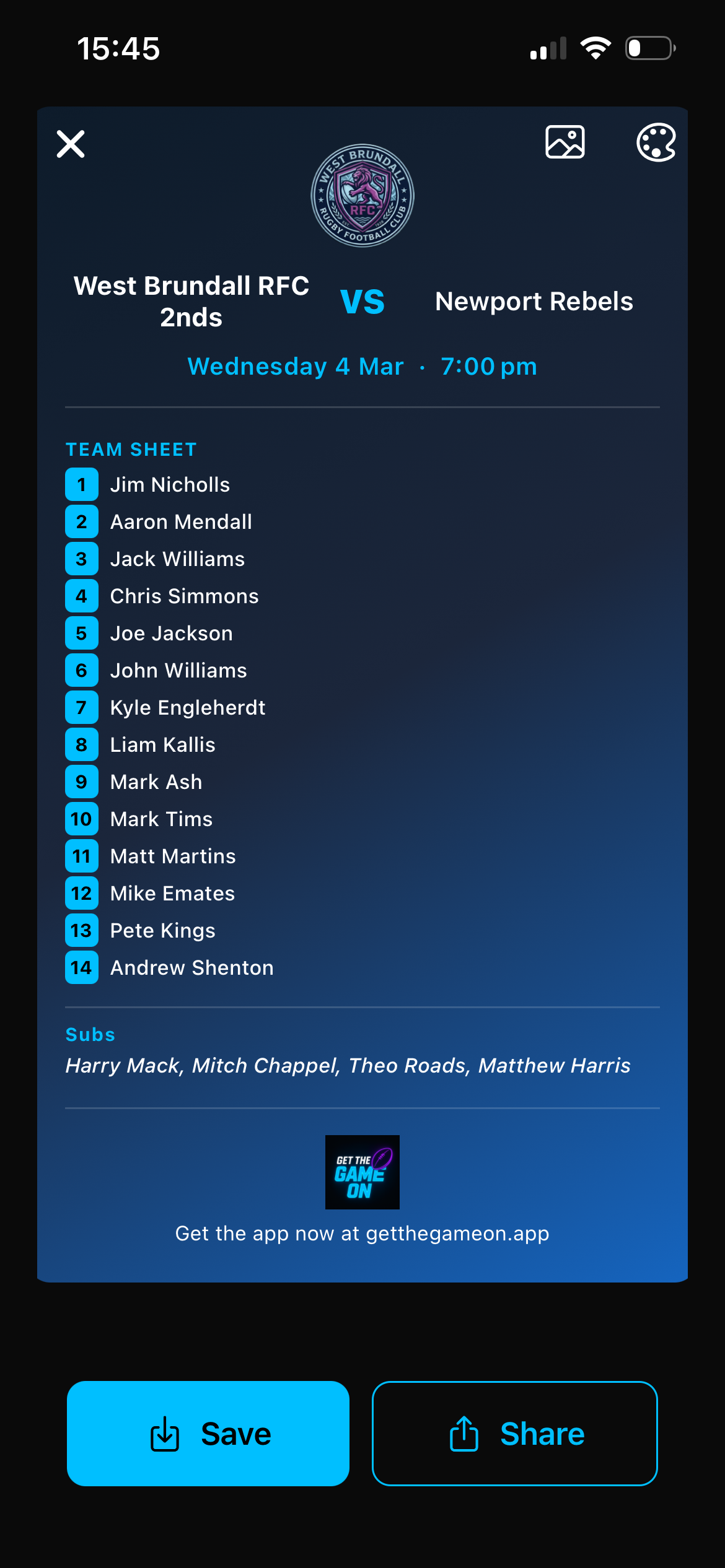
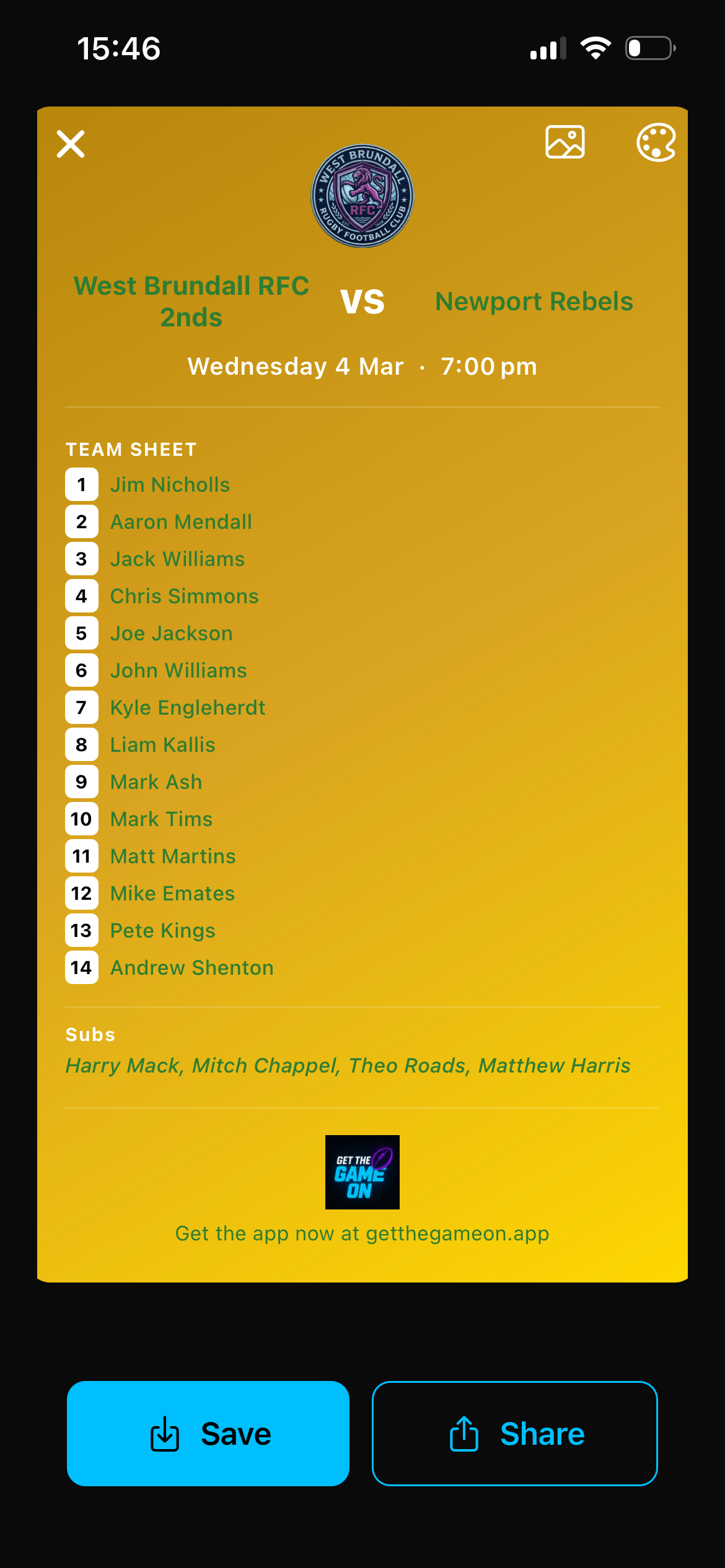
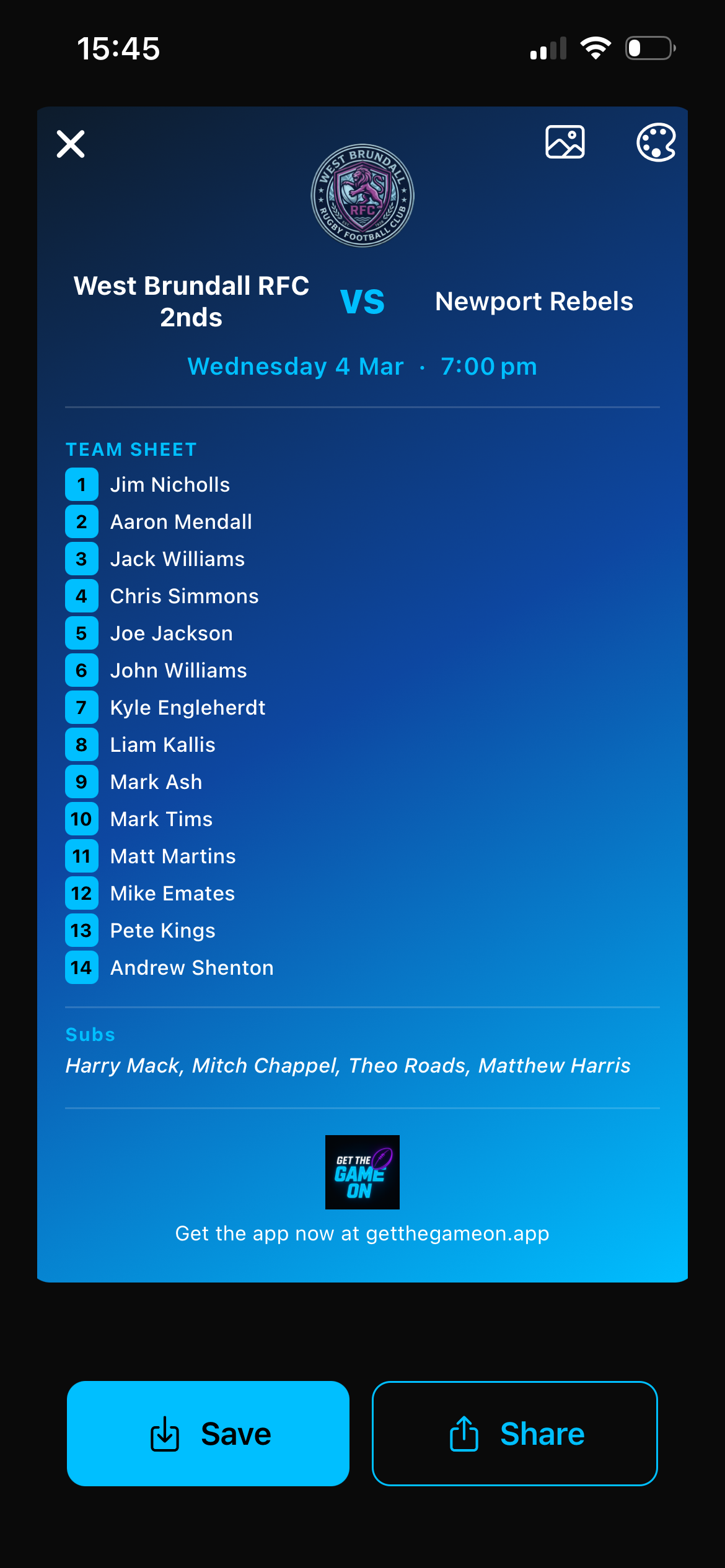
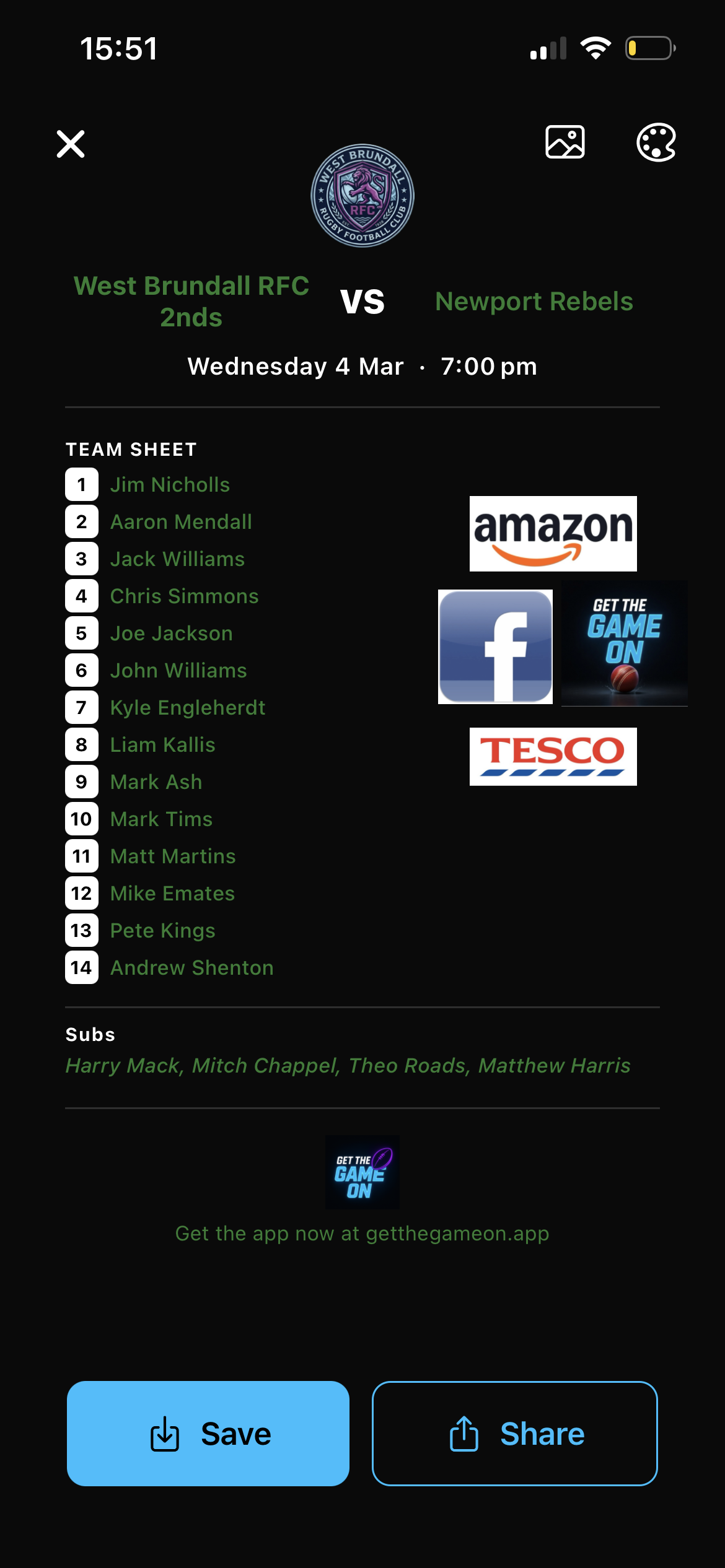
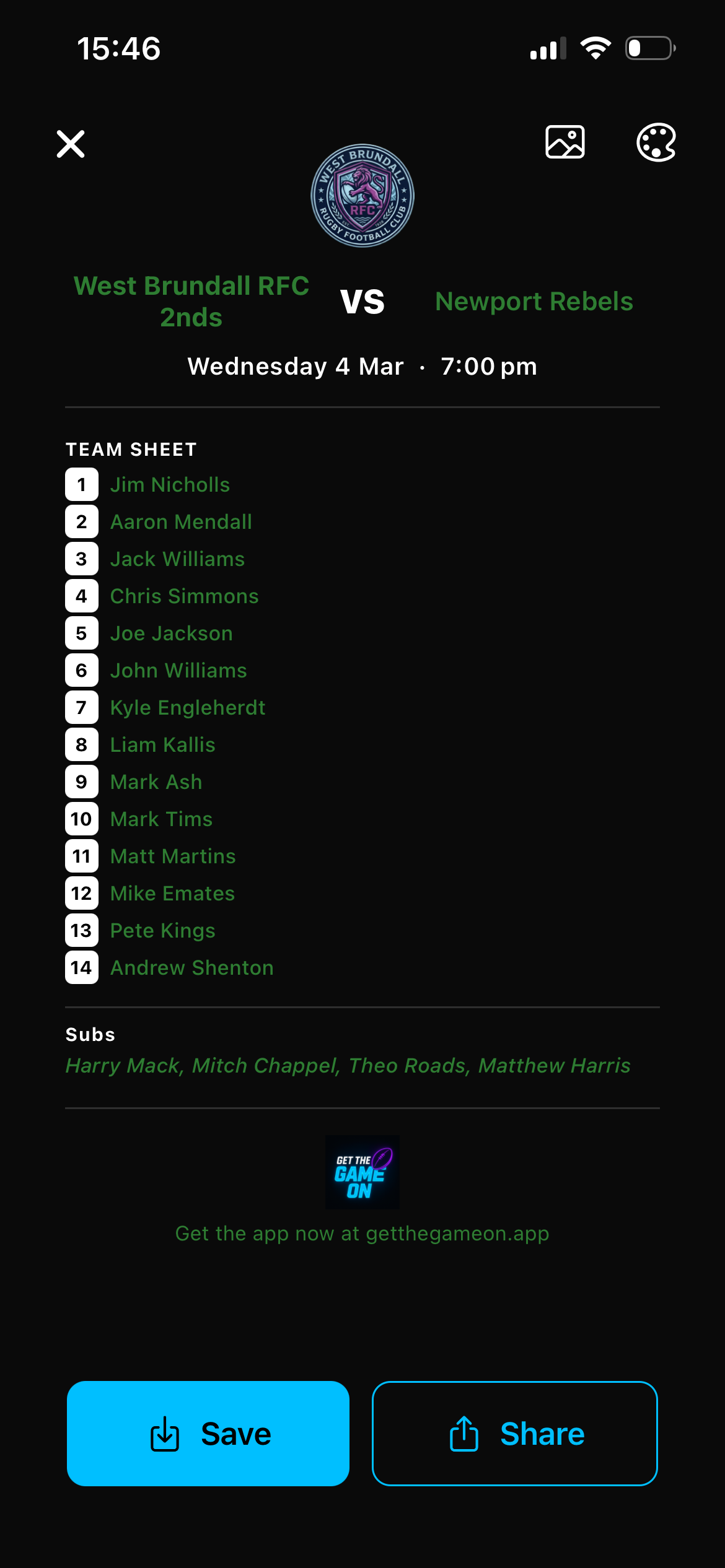
Team sheet
Directions and weather
Every fixture can have a location. Players tap for directions and their phone's maps app opens with the destination set. They also see current and forecast weather for the ground, so they know what to expect on the day. Fewer "where's the pitch?" and "is it on?" messages.